
Guides
Funky Friday beginner guides and walkthroughs: master arrow timing, accuracy, keybinds and settings, then climb from Easy 4K charts to Insane 9 key full combos.
Introduction
The Guides hub is the starting line for every Funky Friday player. Funky Friday looks simple — arrows fall, you tap them — but the game sits on top of a deep skill ceiling built from timing, chart reading and hand positioning. These walkthroughs walk your first session end to end: launching the game from the Roblox page, picking between Solo practice and a live lobby, understanding the four arrow lanes, and why accuracy beats raw speed every single time. From there the path branches into setup guides for keybinds and the Settings menu, accuracy training routines used by full-combo chasers, and platform-specific control breakdowns for PC, mobile and console. Every guide is written to be read in order, so a brand-new player can go from installation to their first cleared Hard chart in one sitting, while returning players can jump straight to the advanced sections.
Guide Pathways at a Glance
| Guide | Focus | Level | Read It When |
|---|---|---|---|
| Beginner Guide | First match, arrow lanes, Points basics | New | Your very first session |
| Accuracy Training | Timing windows, offset, practice routines | A | You miss the same arrows repeatedly |
| Keybinds & Settings | Remapping, note speed, scroll direction | B | Arrows feel unreadable |
| Platform Controls | PC, mobile and console input differences | B | Switching devices |
| Full Combo Roadmap | Streak discipline, stamina, chart selection | S | Chasing your first FC |
| Points Farming 101 | Payout rules, 2x events, code stacking | A | Saving for a cosmetic |
Core Mechanics
Every guide on this wiki follows the same loop the game itself teaches: read, react, repeat. Funky Friday charts are sequences of arrows that scroll toward a receptor line, and your score is decided by how close each tap lands to the beat. The guides break that loop into trainable pieces — reading density (how many arrows appear per second), finger mapping (which key hits which lane) and recovery (how you re-center after a miss). Because matches are short, the fastest improvement comes from short, focused sessions on charts slightly above your comfort level, which is exactly how the roadmap guides are structured. Settings matter more than most players expect: note speed changes how much screen space you get to read a pattern, and scroll direction changes which direction arrows travel, so both guides include recommended starting points.
Advantages
Following a structured guide path saves you the single most expensive resource in any rhythm game: time. Players who learn accuracy habits early — tapping on the beat rather than chasing combos — plateau later and climb faster, because bad timing habits are much harder to unlearn than new patterns are to add. The setup guides also pay immediate dividends: a comfortable keybind layout and a note speed matched to your monitor shave instant misses off your run the same day you change them. Finally, the Points guides compound with everything else — knowing which charts pay best and when double-Points events run means every practice session also funds your cosmetics, so improvement and customization progress together instead of competing for your playtime.
Challenges
Guides can only take you so far — the rest is repetitions, and no walkthrough can do those for you. A common trap is tutorial-hopping: reading five guides in a row and practicing none, which feels productive but builds nothing. Another honest limitation is that some advice is device-dependent; a keybind layout that suits a mechanical keyboard may feel cramped on a laptop, and mobile touchscreen play changes the calculus entirely. Finally, written guides age: Funky Friday updates in waves, and when the Settings menu or scoring shifts, the affected pages are re-checked but may lag behind the newest patch by a few days. Treat every guide as a starting point, verify time-sensitive details in game, and skip any section covering something you have already mastered.
Frequently Asked Questions
I just installed Funky Friday — which guide do I read first?+
How long does it take to get good at Funky Friday?+
Do I need a PC to play Funky Friday well?+
Quick Tips
Warm up on Easy before touching your target difficulty, even when it feels boring. Two or three Easy charts re-calibrate your timing after a break and cost five minutes, while jumping straight into Expert cold usually burns the first half of your session on relearning the receptor line. Pros do this before every recording — treat the warm-up as part of the practice, not as a optional extra.
Redeem every active code before you start grinding Points. Codes like WHEREUPDATE?? pay 500 Points instantly, which is ten maximum-payout songs worth of currency for ten seconds of typing. Check the Codes page at the start of each session, because drops rotate out without warning and a code that expired yesterday cannot be reclaimed today.
Change your note speed before you blame your accuracy. If arrows arrive so fast that you react to single notes instead of reading patterns, lower the scroll speed a step; if you have time to doubt each tap, raise it. The right speed lets you read a whole measure at a glance. Re-test on the same Easy chart after each adjustment so you are comparing runs, not songs.
Featured
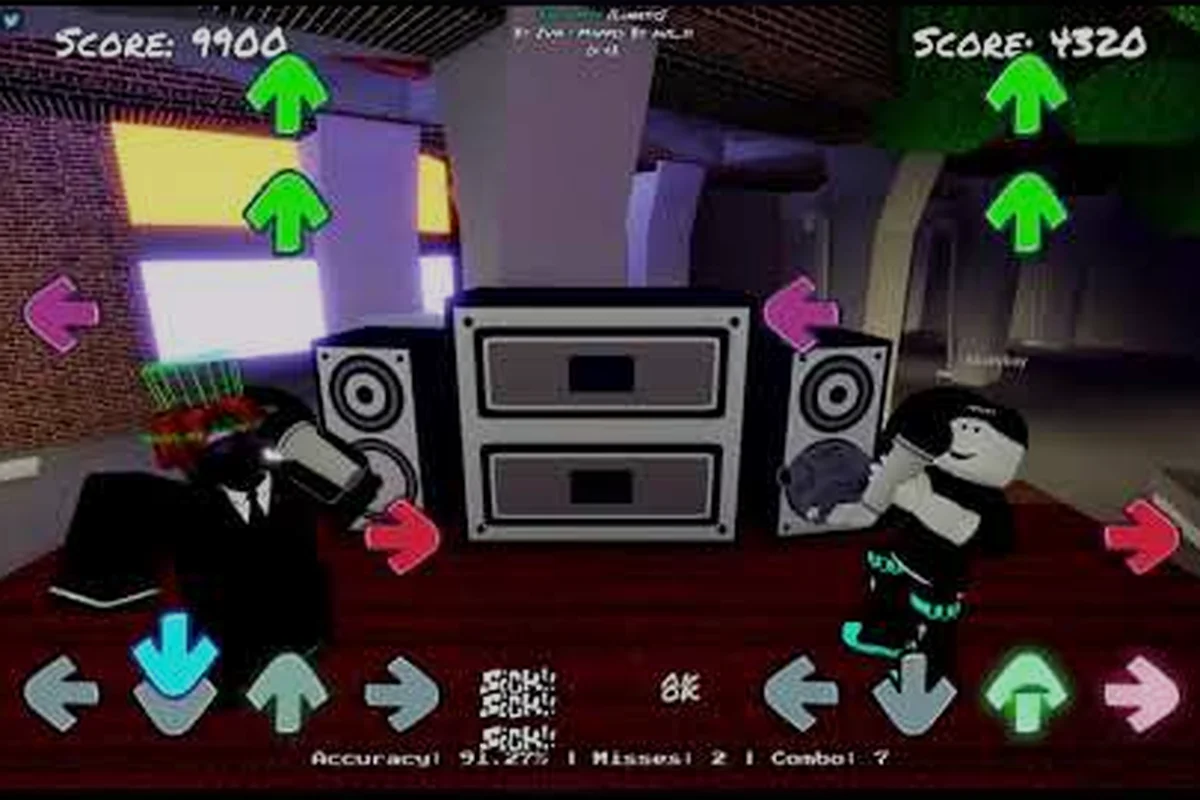
Funky Friday Guide: Controls, Keybinds, and Settings Explained
Get the full Funky Friday basics — default keybinds, where to find arrow skins in settings, and console vs mobile controls so you can play your way.
Funky Friday First Time Playing: Beginner Tips That Work
Playing Funky Friday for the first time? Learn how matches score, which rhythm mistakes to skip, and quick tips to feel comfortable on your first songs.
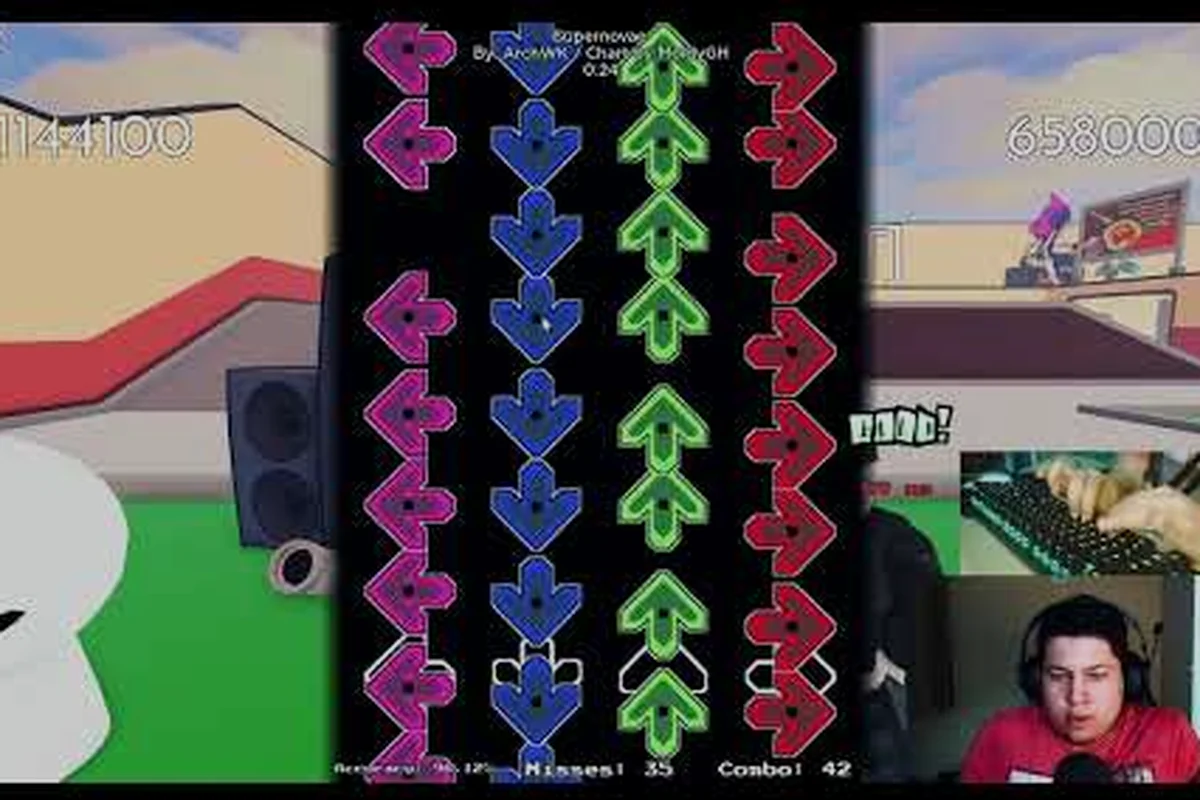
Funky Friday Roblox Game: What It Is and How to Start Playing
New to Funky Friday on Roblox? Learn what this beat-box rhythm game by Lyte offers, how arrow battles work, and the first steps to jump into a match.
All Articles
Funky Friday 2026 Guide: Arrows, Modes, and Getting Started
Get started in Funky Friday 2026 with a clear breakdown of how arrows work, every game mode, and the settings that help new players land notes faster.
Funky Friday Full Combo Guide: Hit Every Note Clean
Chase your first Funky Friday full combo with proven accuracy drills, song picks like Blazeborn, and ring setups that turn near-misses into clean runs.
Funky Friday Practice Tips: Drills, Keybinds, and Song Picks
Sharpen your Funky Friday practice tips with DFJK keybind drills, note-speed tuning, and starter songs that build clean combos before Expert charts.
Funky Friday vs Friday Night Funkin: Key Differences Explained
See how Funky Friday compares to Friday Night Funkin', from PvP arrow battles and song roster to the Roblox rhythm experience that sets it apart.
Funky Friday Walkthrough: PC Setup and Beginner Basics
Follow this Funky Friday walkthrough to set up PC controls, learn what the game is about, and start your first beat-box battle with confidence.
Funky Friday How to Win: Score, Accuracy, and Tie Rules
Master Funky Friday's three win conditions — highest score, fewest misses, and top accuracy — plus keybind and note-speed tweaks that give you the edge.
Funky Friday Mistakes to Avoid: Habits That Kill Your Combo
The Funky Friday mistakes to avoid are simple: don't rush Expert charts, don't mash arrows, and don't ignore keybind setup — fix these habits early.